What Photo Video Maker: Slideshows does
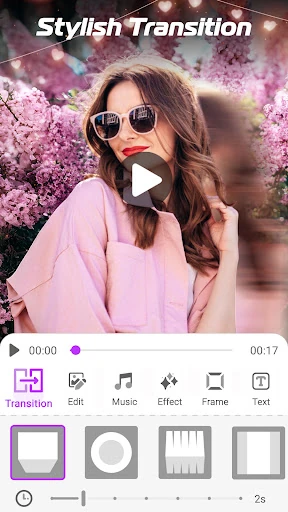
Photo Video Maker: Slideshows turns a selection of photos into a video slideshow with music. It is suited to anyone who wants to combine pictures from a family event, trip or personal project into something easier to watch and share. You can choose the image order, set timing and apply transitions before saving the finished video.
Editing tools
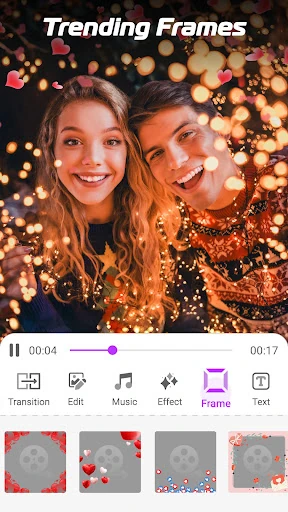
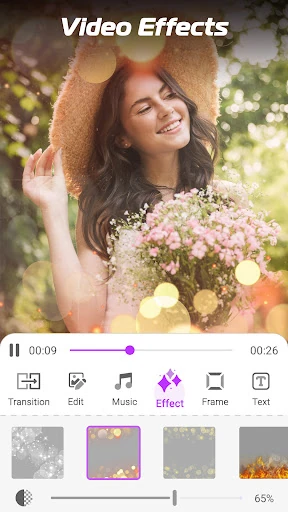
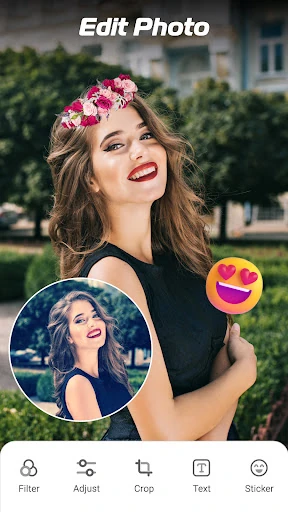
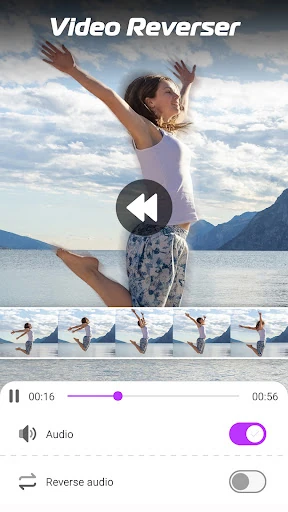
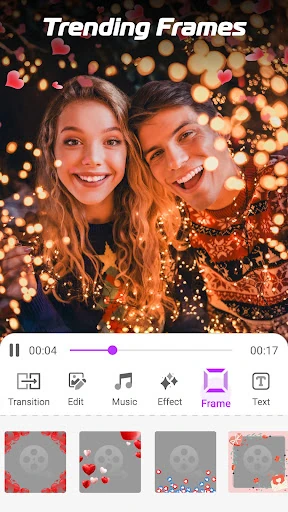
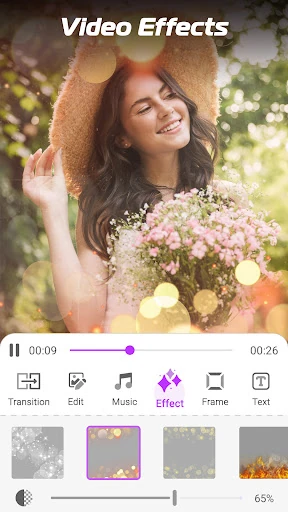
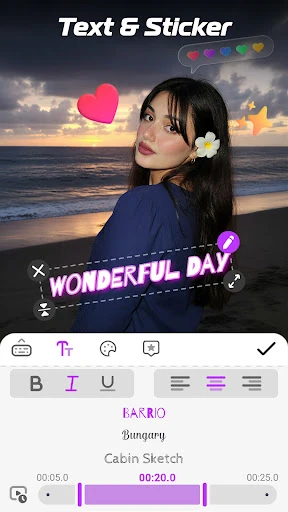
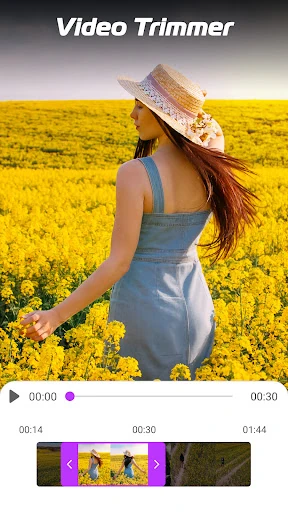
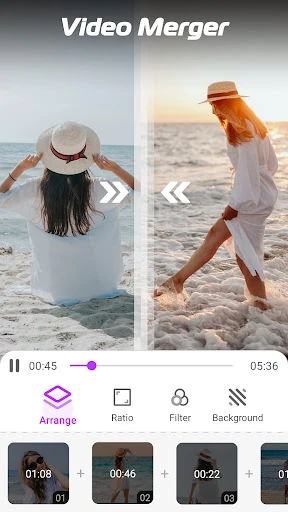
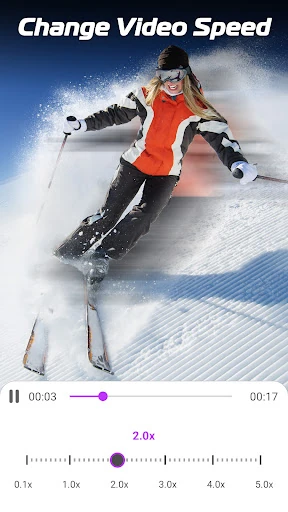
The app includes several ways to adjust a slideshow or work with an existing video. Depending on what you are making, you can add text, captions, stickers, filters, frames and visual effects. It also offers tools for trimming, changing playback speed, reversing clips and joining videos together.
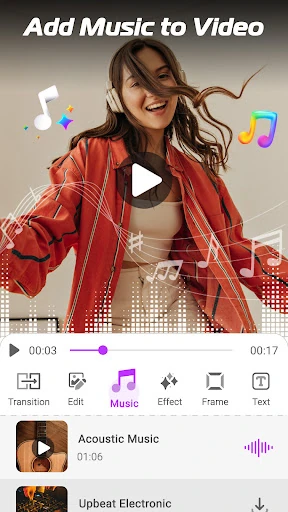
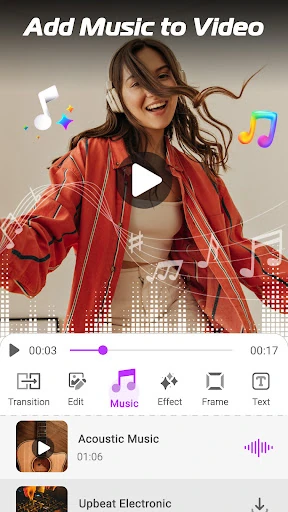
- Add music from the device or use the app’s available music options.
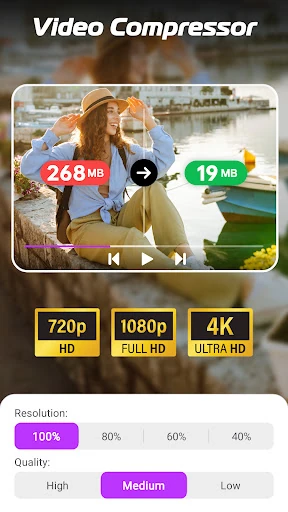
- Convert video to an audio file, or reduce a video’s file size.
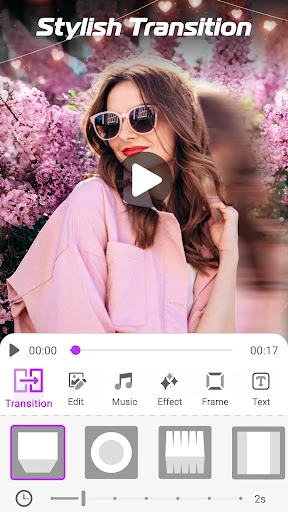
- Use themes and transitions to give photo sequences a more consistent look.
- Export photo videos at resolutions up to 1080p.
Who it may suit
This is a practical choice for casual creators who want slideshow-making and basic video editing in one app rather than a specialist editor with a more complex workflow. It can cover simple memory videos, social posts and short clips with captions or decoration. People looking for advanced timeline editing may find its focus on quick, template-style projects more relevant than detailed production work.
Ratings and publisher details
The app is listed in Video Players & Editors and is published by Video & Photo Editor Apps. It has a 4.72 rating from 24,011 reviews and records 10,000,000+ installs. Those figures suggest broad use, while the rating gives a quick indication of how existing users have responded to it.