What the app does
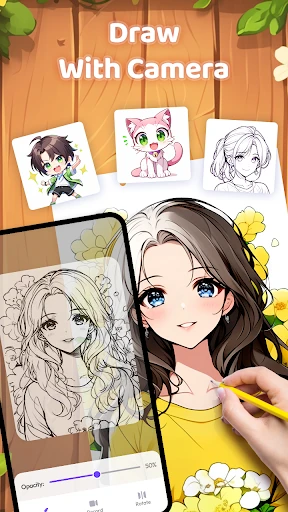
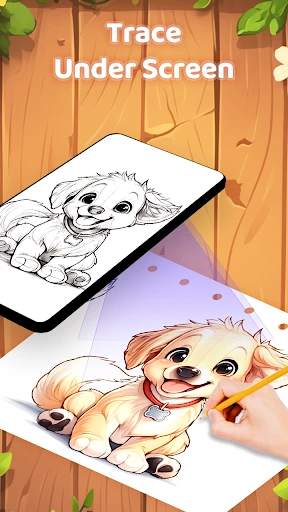
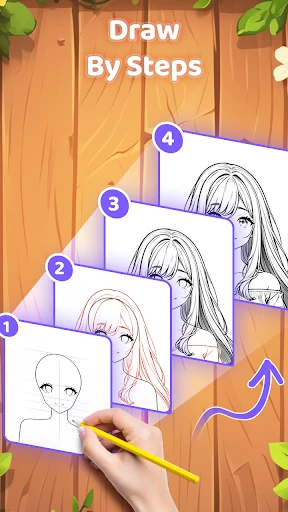
AR Drawing Paint Sketch Trace helps users copy a digital outline onto paper or another physical surface. It uses the phone’s camera to place the selected image in view, giving beginners a guide for proportions and placement while they draw. It is suited to children, casual hobbyists and anyone learning to sketch without starting from a blank page.
Tools and subjects
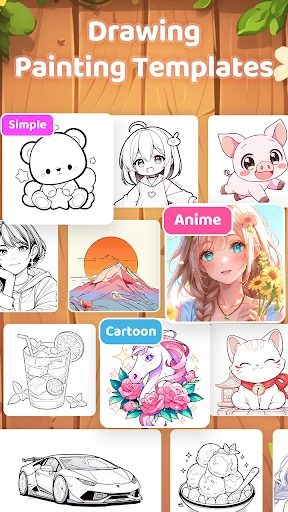
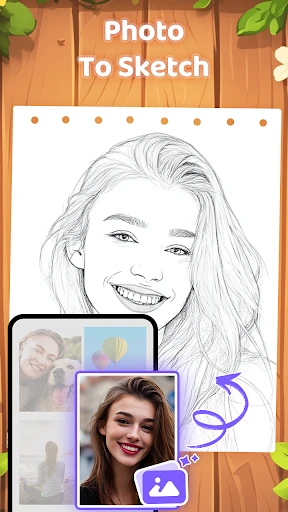
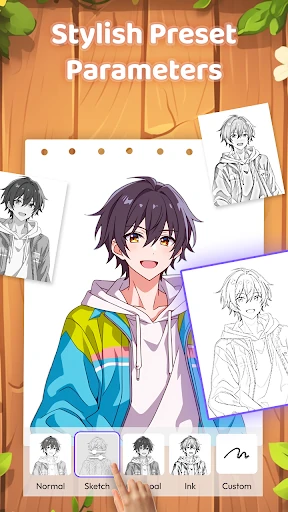
The app offers drawing templates across subjects such as anime, animals and aesthetic designs. Users can also turn a photo from their gallery into a simplified sketch to use as a reference. The displayed image can be adjusted with controls for transparency, rotation and mirroring, while a flashlight option can help make the guide easier to see in dim conditions.
What to consider before sharing it
- The main activity involves looking through the camera while drawing on a real surface, so it is more useful for hands-on sketching than for making a finished digital illustration.
- Users will need to position the phone and paper so the projected guide stays visible while they work.
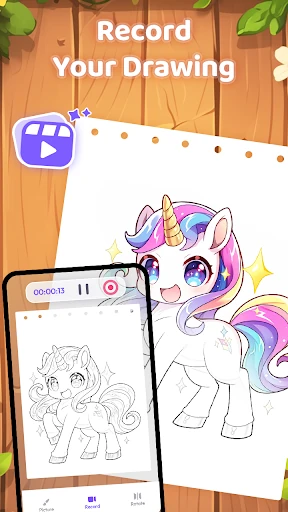
- The app includes process recording, which can capture the drawing from start to finish for later viewing or sharing.
Ratings and publisher
AR Drawing Paint Sketch Trace is listed in Art & Design and comes from ideaFun - Pixel Art Coloring Games Color by Number. It has a 4.86/5 rating from 42,095 reviews and records 1,000,000+ installs. Those figures suggest broad use and a generally positive response, while the camera-based drawing method is still worth checking for the particular person who will use the phone.