Notewise - AI Notes, PDF, Docs
Notewise
Downloads
5,000,000+
Version
Latest
Advertisement
Click to download now, finish the installation quickly, and directly unlock the all-round experience
Advertisement
Screenshots
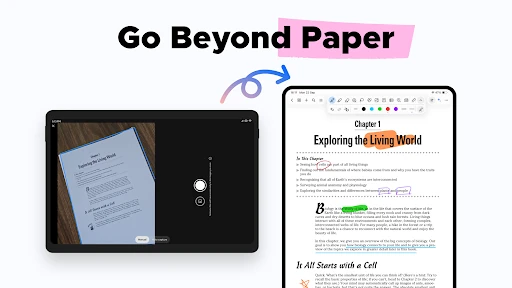
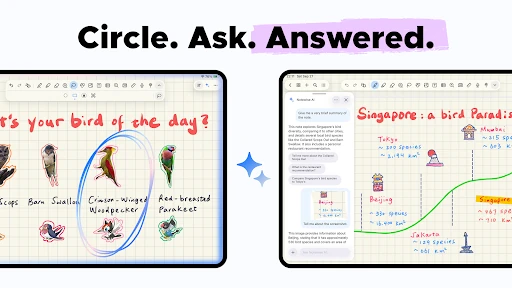
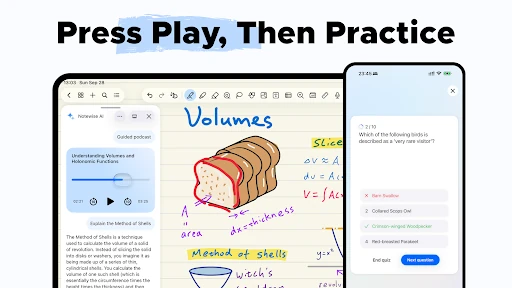
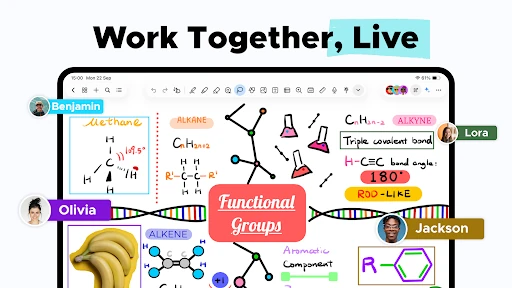
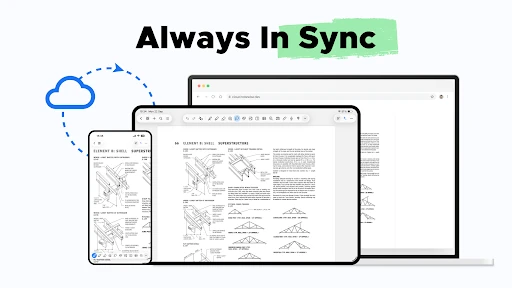
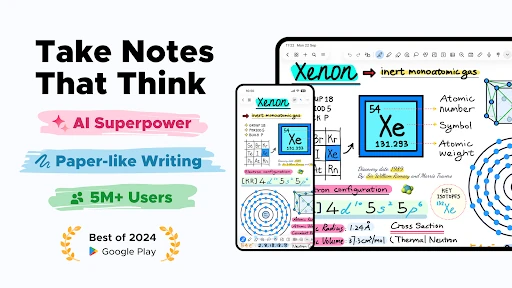
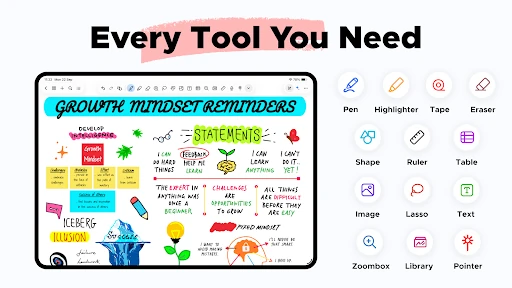
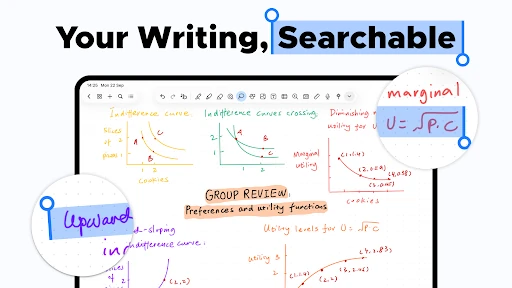
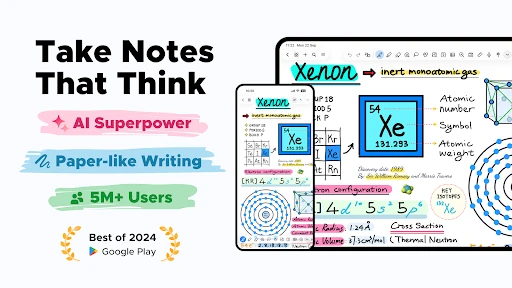
Click to download now, finish the installation quickly, and directly unlock the all-round experience
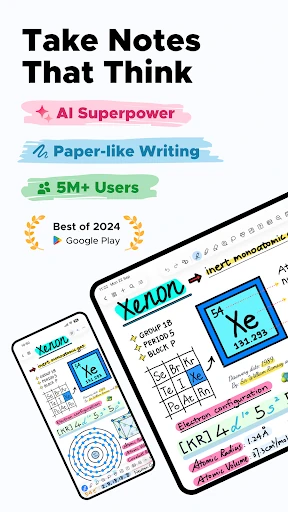
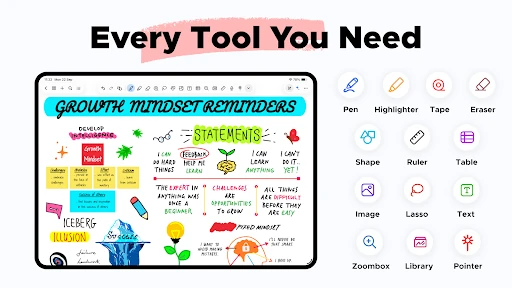
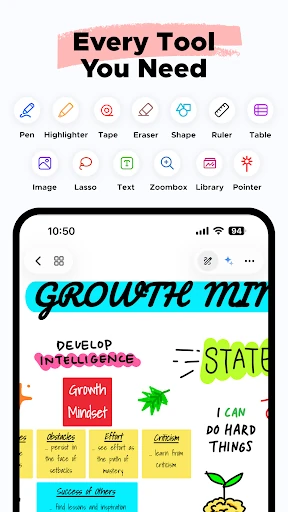
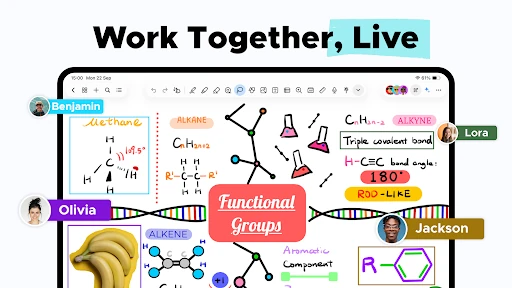
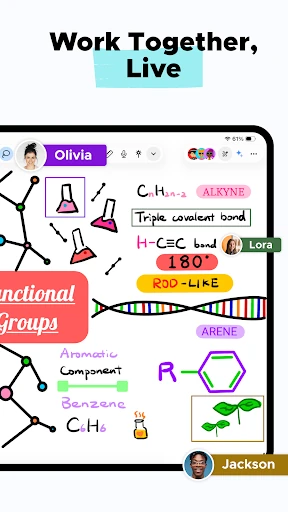
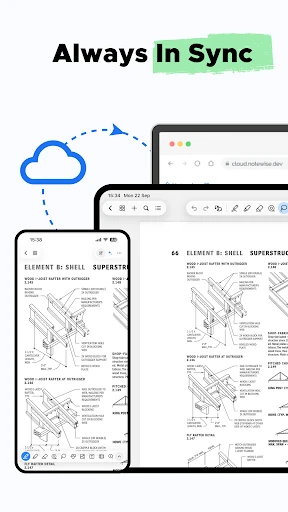
Notewise - AI Notes, PDF, Docs is a productivity app for creating notes, writing by hand, reading PDFs and working with documents on Android. It is a good fit for students, meeting notes, researchers and anyone who prefers a pen-enabled workspace over a basic text editor. The app supports stylus-focused writing, with tools intended for handwriting, sketching and arranging content on a page.
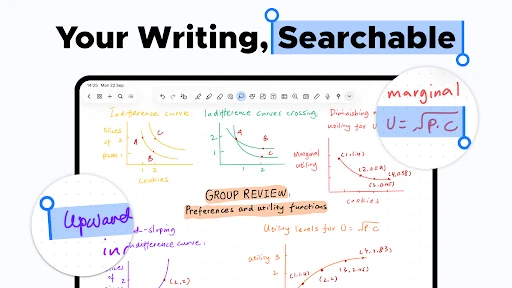
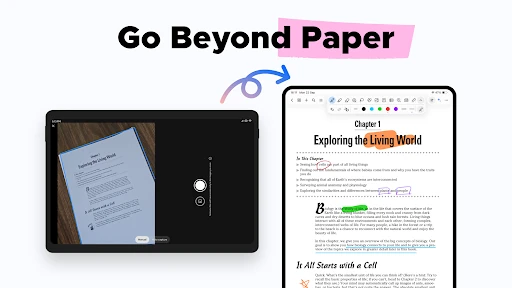
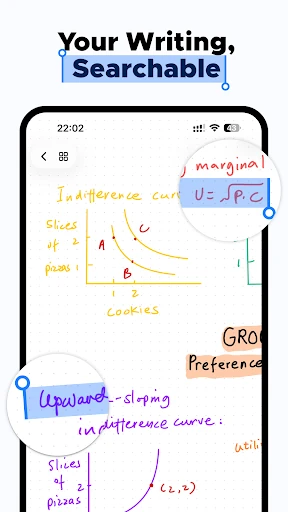
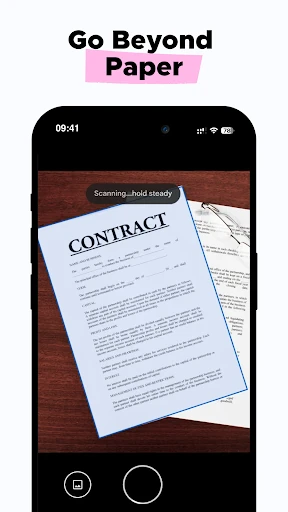
The writing area is designed around digital pen input, including palm rejection, pressure-sensitive strokes and stroke stabilisation. Users can organise material into folders and adjust content with tools such as a lasso selection and a zoomed writing area. Handwritten and scanned material can also be searched through text recognition, with support for multiple languages.
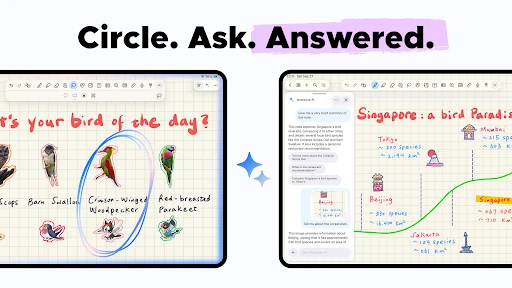
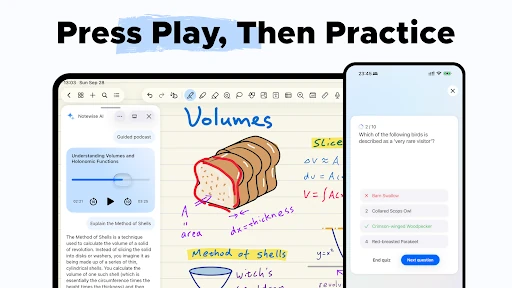
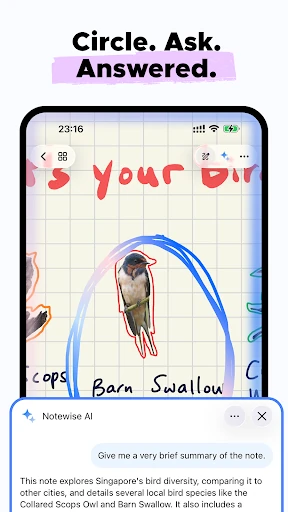
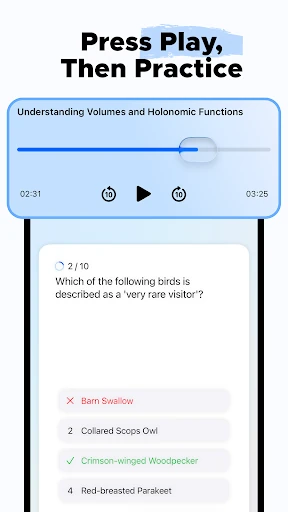
Notewise adds AI tools to the notes and document workflow rather than limiting the app to blank pages. Depending on the material, users can ask questions about their notes, summarise PDFs and turn written content into podcast-style audio. These features may be most useful when reviewing long documents or revisiting class, work or research notes.
That review volume and install count show that Notewise has been used widely, while the rating points to generally positive user feedback. If the intended user writes with a stylus or regularly handles PDFs, its broader toolset is more relevant than it would be for someone who only needs quick plain-text reminders.