Advertisement
Click to download now, finish the installation quickly, and directly unlock the all-round experience
Advertisement
Screenshots


Click to download now, finish the installation quickly, and directly unlock the all-round experience
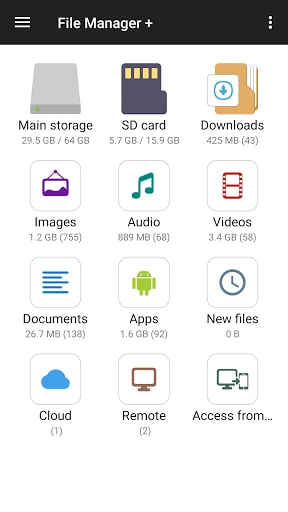
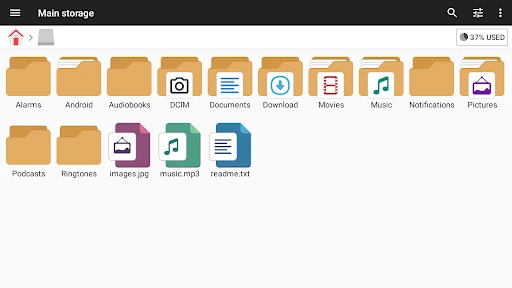
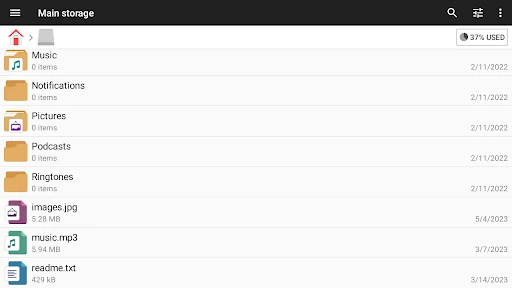
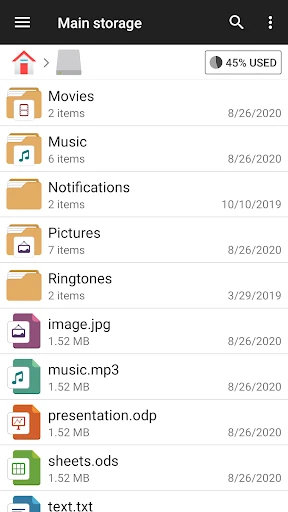
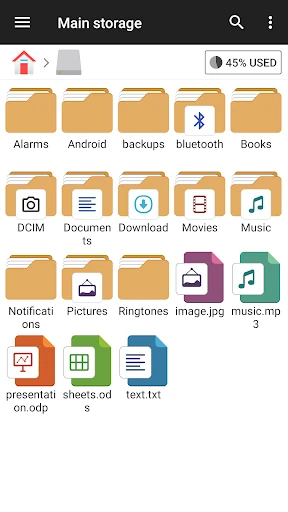
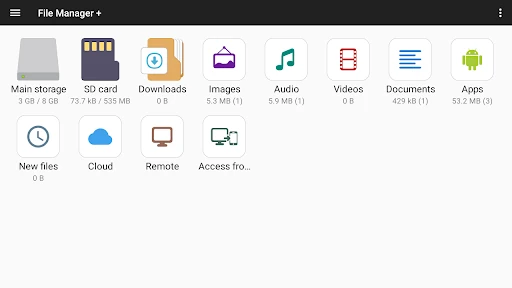
File Manager is a productivity app for browsing, organizing and working with files on an Android device. It can bring together content from internal storage, an SD card and connected USB storage, giving users one place to move, copy, rename and delete files. It suits people who want more control over folders than a basic phone file browser provides, as well as anyone who regularly handles documents, photos, music or downloads.
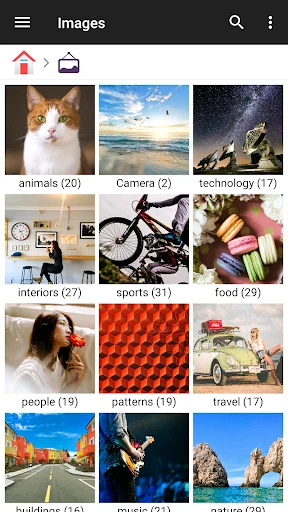
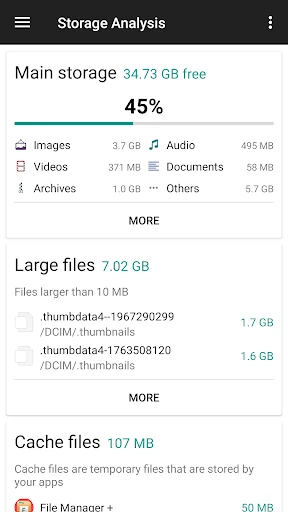
The app can group files by type, including images, audio and documents, which can make a crowded phone easier to inspect. It also helps users look for storage that may be running low by identifying large files and space-heavy apps. Built-in tools include an image viewer, music player and text editor, so some files can be opened without switching to another app.
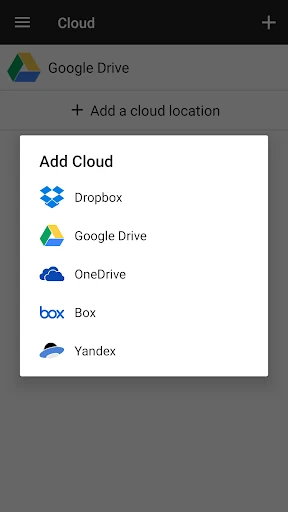
This is a practical choice for people who move files between a phone and other storage, manage folders frequently or need access to network and cloud locations. It may be more than casual users need if they only open recent downloads or share photos. The interface favors clear, functional navigation over a highly decorative design, and archive support is focused on ZIP rather than a wider range of formats.
File Manager is published by File Manager Plus. It has a 4.66 out of 5 rating from more than 1.65 million reviews and has been installed 100,000,000+ times. Those figures show broad use, while the app’s file, storage and network tools make its strongest appeal to users who need an all-purpose file organizer.